When we started building Asset Management in Desk365, we spoke to IT teams to understand what problem they were solving. It made us realize inventory management wasn’t the real problem.
The real challenge was making asset information reliable, searchable, and instantly available whenever support teams needed it.
That realization changed the approach of building IT Asset Management. Instead of focusing solely on inventory, we focused on solving operational challenges every agent faces when setting up and managing IT assets.
We setup ITAM from scratch using Desk365 ourselves. And we continue to shape our product with lessons from our customers and our own experiences. If you’re setting up asset management from scratch or migrating from managing assets on a sheet into a defined ITAM tool, here are the five best practices you must know.
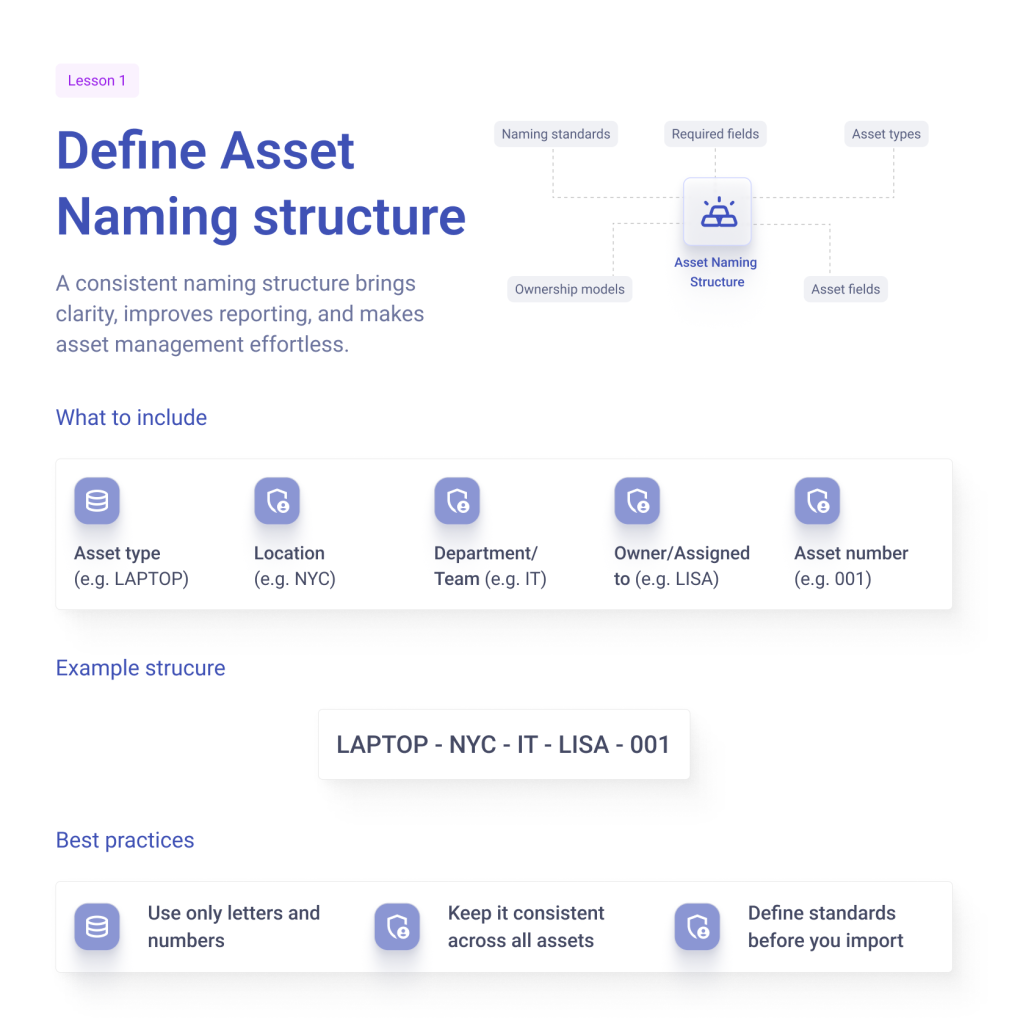
Lesson 1: Define asset naming structure
Asset management can become incredibly sophisticated: linking hardware to software, users to devices, vendors to contracts, and much more. But before any of that works effectively, there’s a fundamental building block that’s often overlooked: asset naming.
Every organization has its own way of identifying assets, and even different teams within the same organization often follow different naming conventions for identical devices. Without a pre-defined standard, these inconsistencies quickly spread across imports, reporting, automation, and long-term maintenance.
Whether you’re managing tens, hundreds or thousands of assets, a consistent naming strategy improves visibility, simplifies administration, and reduces confusion. Here are some best practices we recommend when naming assets:
- Establish naming standards, asset categories, ownership models, required fields, and asset types before building import workflows or business logic
- Enforce naming consistency from the moment an asset is created or imported
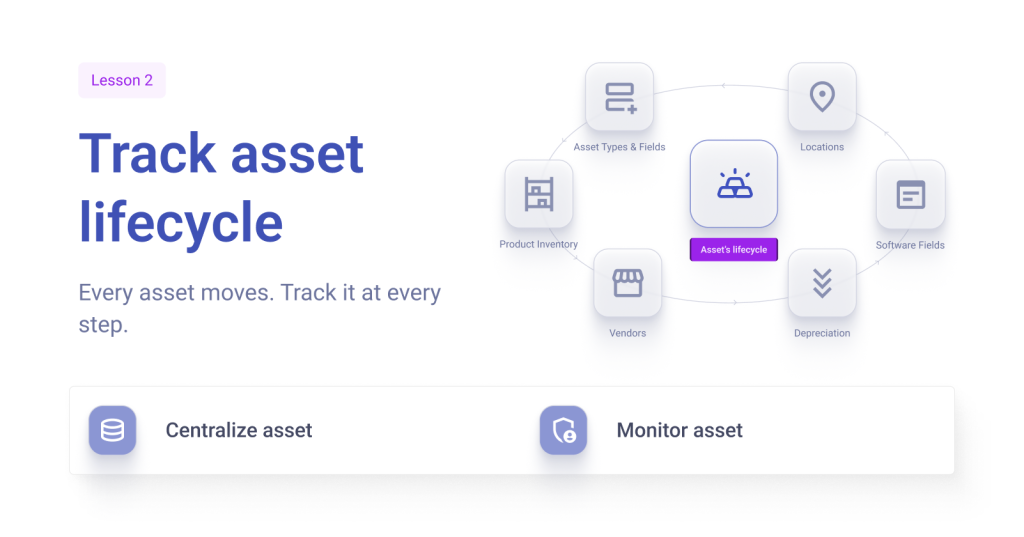
Lesson 2: Track asset lifecycle
Importing assets is often seen as the final step, but it’s just the beginning of the asset management journey.
Assets are constantly changing. Employees switch departments, software licenses get renewed, hardware is upgraded, and devices eventually reach the end of their lifecycle. Keeping asset records aligned with these day-to-day changes proved to be far more challenging than building the inventory itself.
Maintaining accurate asset records isn’t a one-time task; It’s an ongoing process. Managing assets throughout their lifecycle requires consistent processes and governance.
- Centralize asset information to make it easily accessible to employees
- Monitor asset health and security with real-time locations and condition tracking
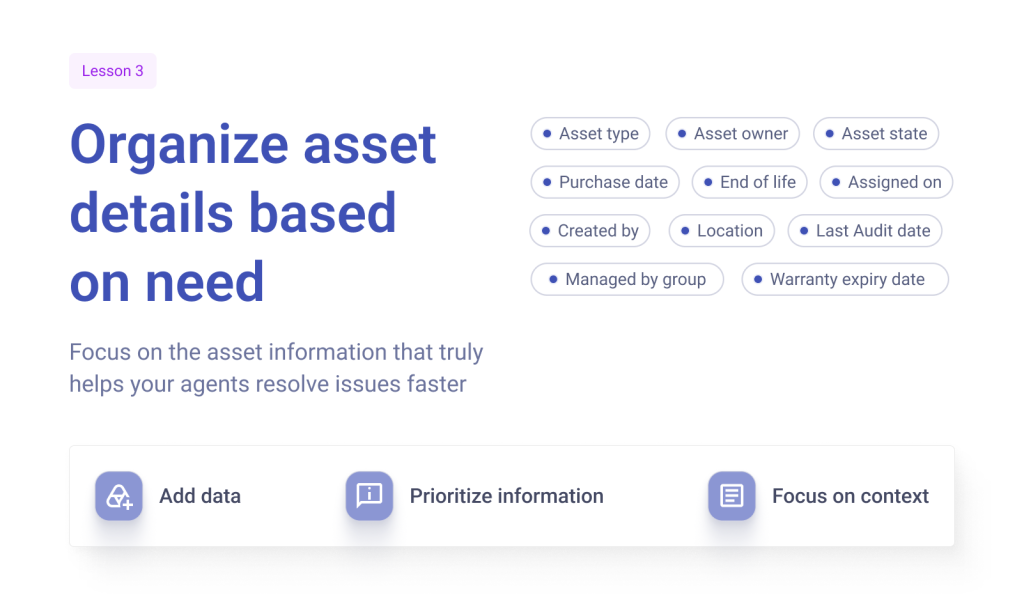
Lesson 3: Organize asset details based on need
More data isn’t always more value. Adding more fields to an asset record (think serial numbers, purchase dates, warranty information, technical specifications) looks comprehensive on paper. But in reality, it could simply add meaningless data points.
One question we asked ourselves: Does any of these actually help a support agent resolve an issue faster?
When adding custom data fields to assets:
- Add data specifically needed for real support workflows.
- Prioritize information based on how agents troubleshoot
- Focusing on context needed for resolution when it comes to asset information
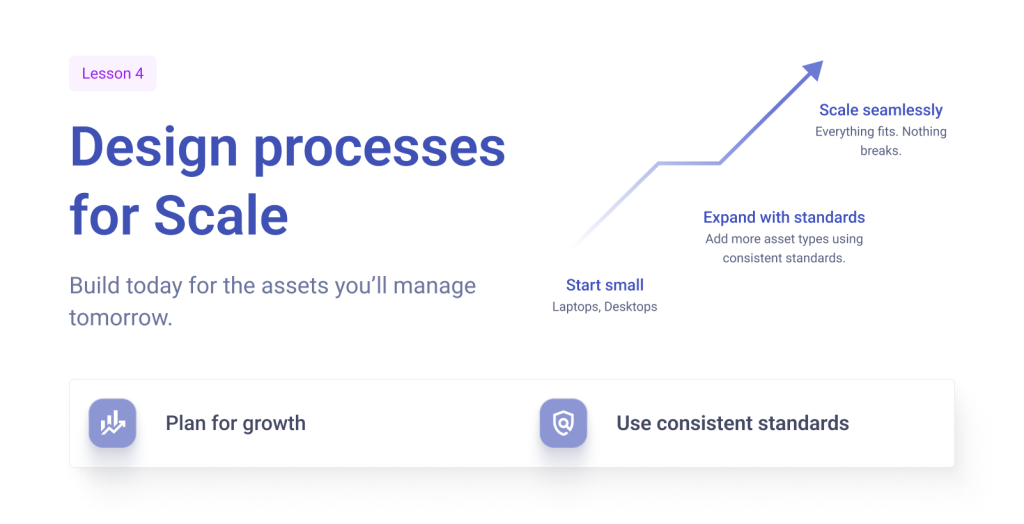
Lesson 4: Design processes for scale
Asset management is never static. Organizations evolve constantly as do assets with them. A company that begins tracking laptops and desktops may soon need to manage software licenses, networking equipment, mobile devices, peripherals, or even industry-specific assets. As their business grows, their asset management requirements grow too.
The way you manage assets should be scalable.
- Plan for growth from day one, even if you’re managing only a few hundred assets now
- Use consistent standards for categorization, ownership, and governance so future assets fit seamlessly into your existing inventory
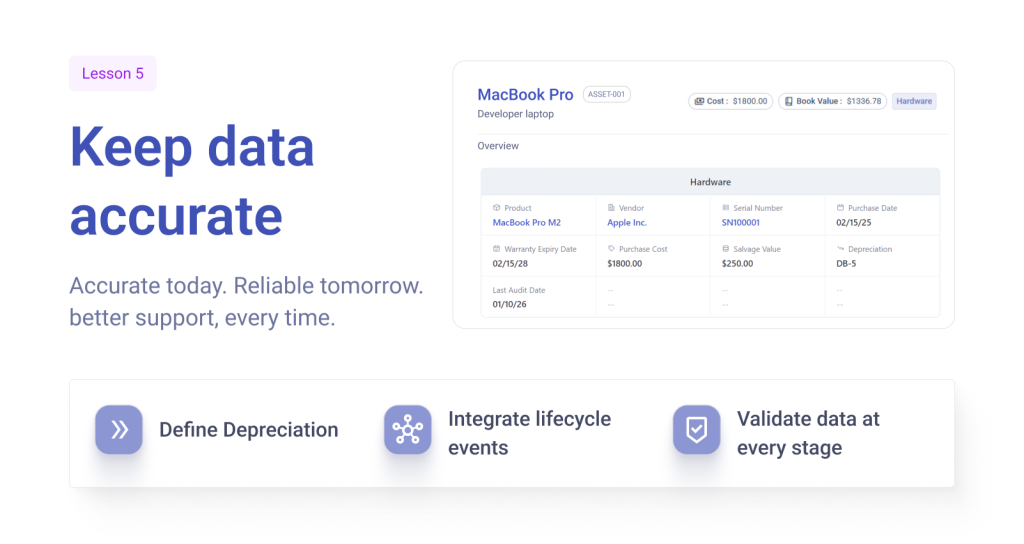
Lesson 5: Keep data accurate.
Setting up an ITAM might be a one-time job. Keeping your inventory and data accurate over a long period of time requires everyday attention. It can be the difference from an agent having the most updated information in resolving a high-priority ticket to giving solutions that are irrelevant to a linked asset.
While you may start with accurate data, it doesn’t stay accurate on its own. Update your asset data to track ownership changes, warranty renewals, asset transfers, and retirements.
Rather than relying on agents to manually keep asset records up to date, you need workflows that automatically trigger updates.
- Define depreciation to automatically track asset lifecycle
- Integrate lifecycle events such as ownership transfers, warranty updates, and asset retirement into standard operating procedures rather than treating them as separate administrative tasks
- Validate data at every stage to catch inconsistencies before they become larger data quality issues
IT Asset Management is about better support
Setting up IT Asset Management can feel overwhelming, especially if you’re moving from spreadsheets or disconnected systems. But at its core, asset management is simpler than you think; it’s simply setting up processes that are intentional.
A consistent naming convention, meaningful asset information, scalable processes, and workflows that keep data accurate over time lay the foundation for an ITAM practice that grows with your organization. It becomes the context your support team needs to resolve issues faster.
Instead of seeing just a ticket, agents can immediately understand the complete picture – who owns the device, whether it’s under warranty, what software is installed, whether there are related assets, or if recent lifecycle changes could explain the issue. That additional context leads to faster troubleshooting, better decisions, and a better support experience.
These principles have shaped how we’ve built IT Asset Management in Desk365. If you’re evaluating an ITAM solution or setting up asset management for the first time, we’d love you to experience it yourself. Start your free 21-day trial and see how a modern ITAM solution can help your team manage assets with confidence while giving agents the context they need to deliver exceptional support.