




















适用于各种规模团队的 AI 驱动型服务台软件
赋能您的客服人员提升工作效率、自动化工作流程,并提供卓越的客户体验——无论是在 Microsoft Teams 内,还是在您已在使用的任何工具中。Desk365 代表更优质的服务、更出色的产品,以及真正兑现承诺的 AI。
无需信用卡。
全球 7,000+ 家企业信赖之选
更快地提出和解决问题
使客户能够从任何渠道筹集门票。授权代理商更好地帮助他们。我们帮助您提供全渠道方法,让客户体验到优质的服务。
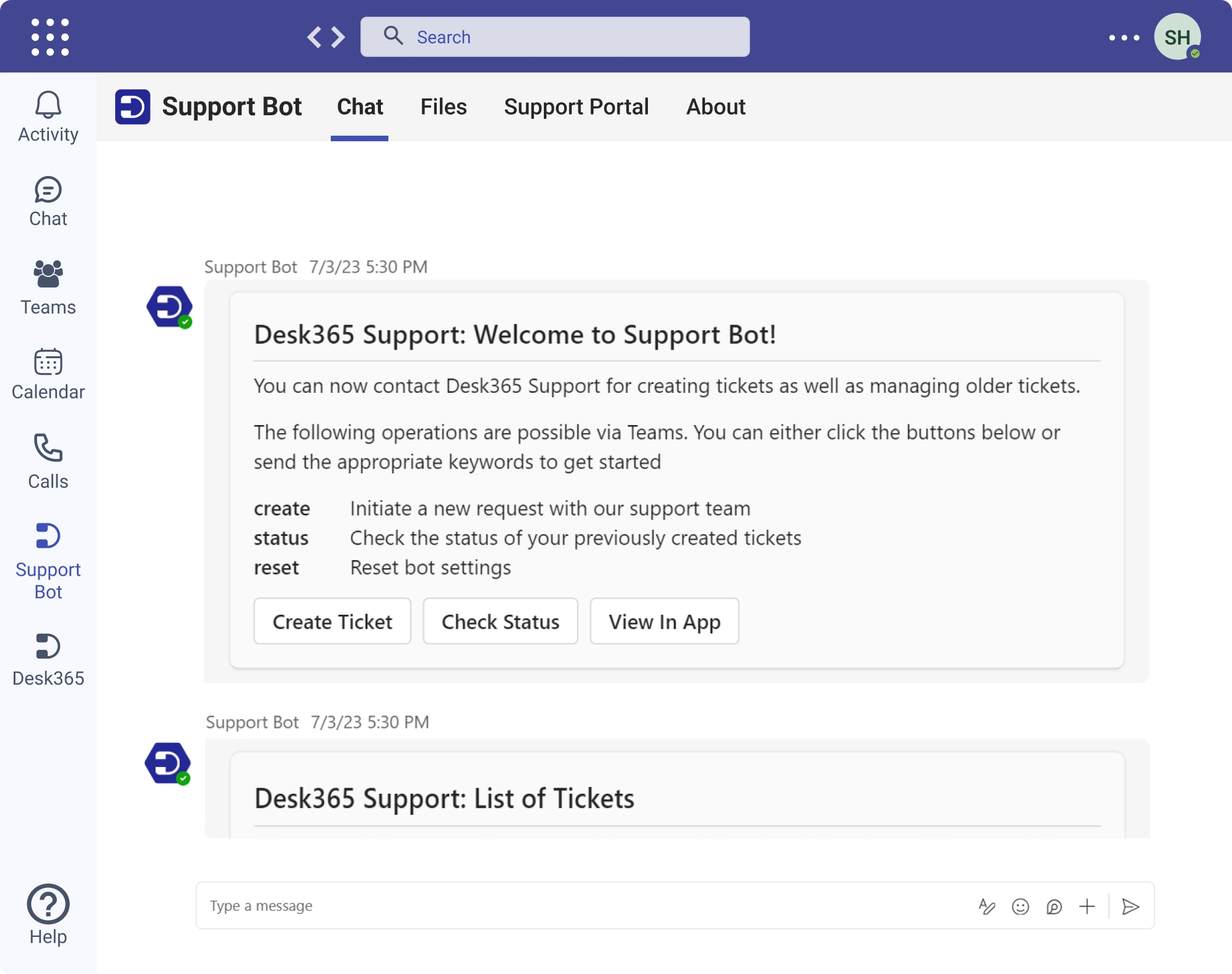
您的客户无需离开 Teams 即可创建工单、接收通知、查看状态,并回复您的客服人员。
客户邮件会自动转换为工单。客服回复将通过邮件发送,同时也会显示在您的客户支持门户中。
为客户提供一个网页门户,方便他们创建和管理工单,并查看知识库中的解决方案文章。
可轻松配置的网页小组件,适配您的网站或 Web 产品。客户在创建工单时可提交上下文信息,是一种强大的方式。
更喜欢用 iframe 表单而不是网页小组件?没问题,我们为您提供可配置的网页表单,可添加到您的网站中。
AI 专为简化您的工作量而打造
Desk365 的 AI 与众不同。它在后台运行,以减少工作量,并自动执行重复性任务,以便代理可以做他们最擅长的事情——做人。
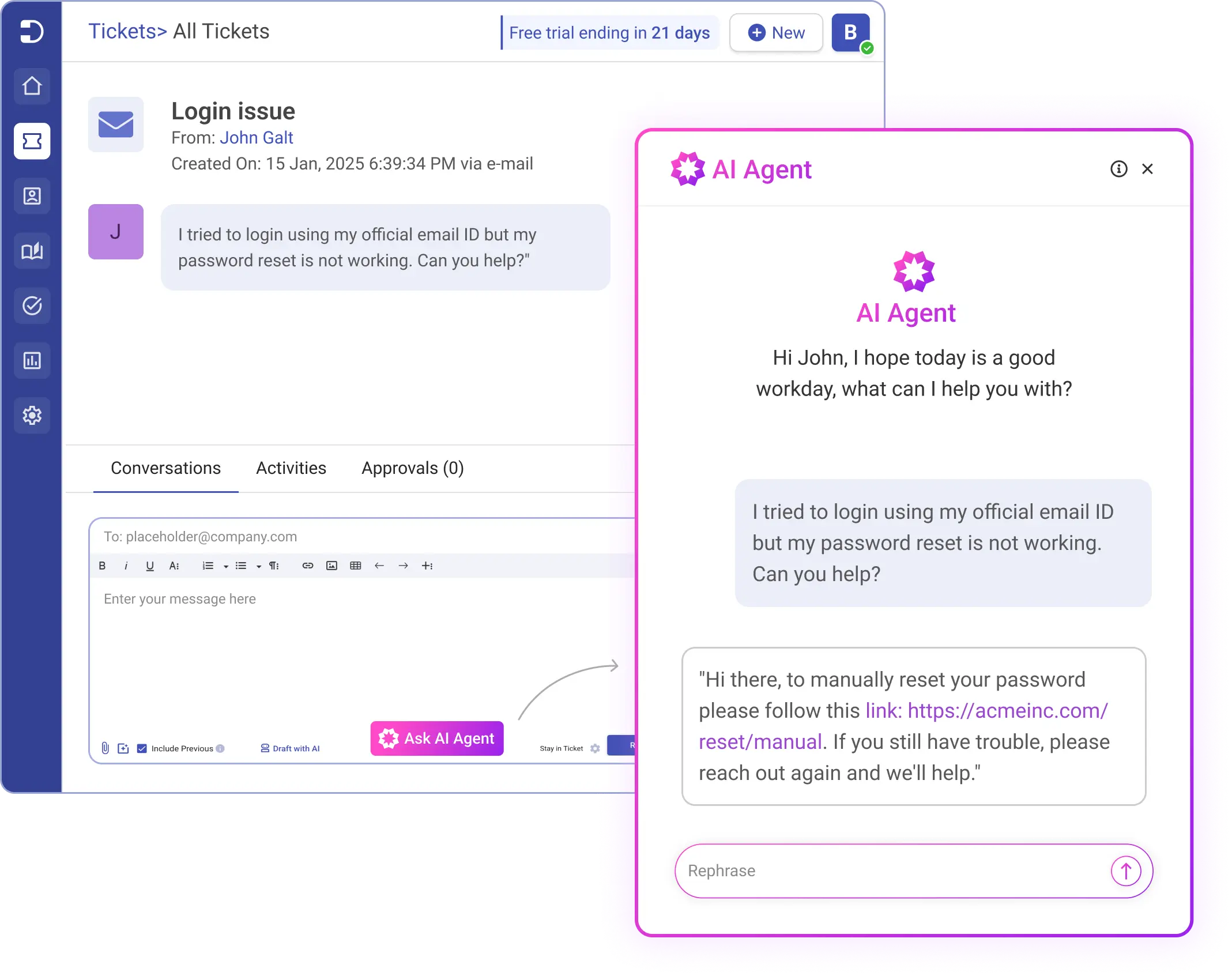
AI 智能体
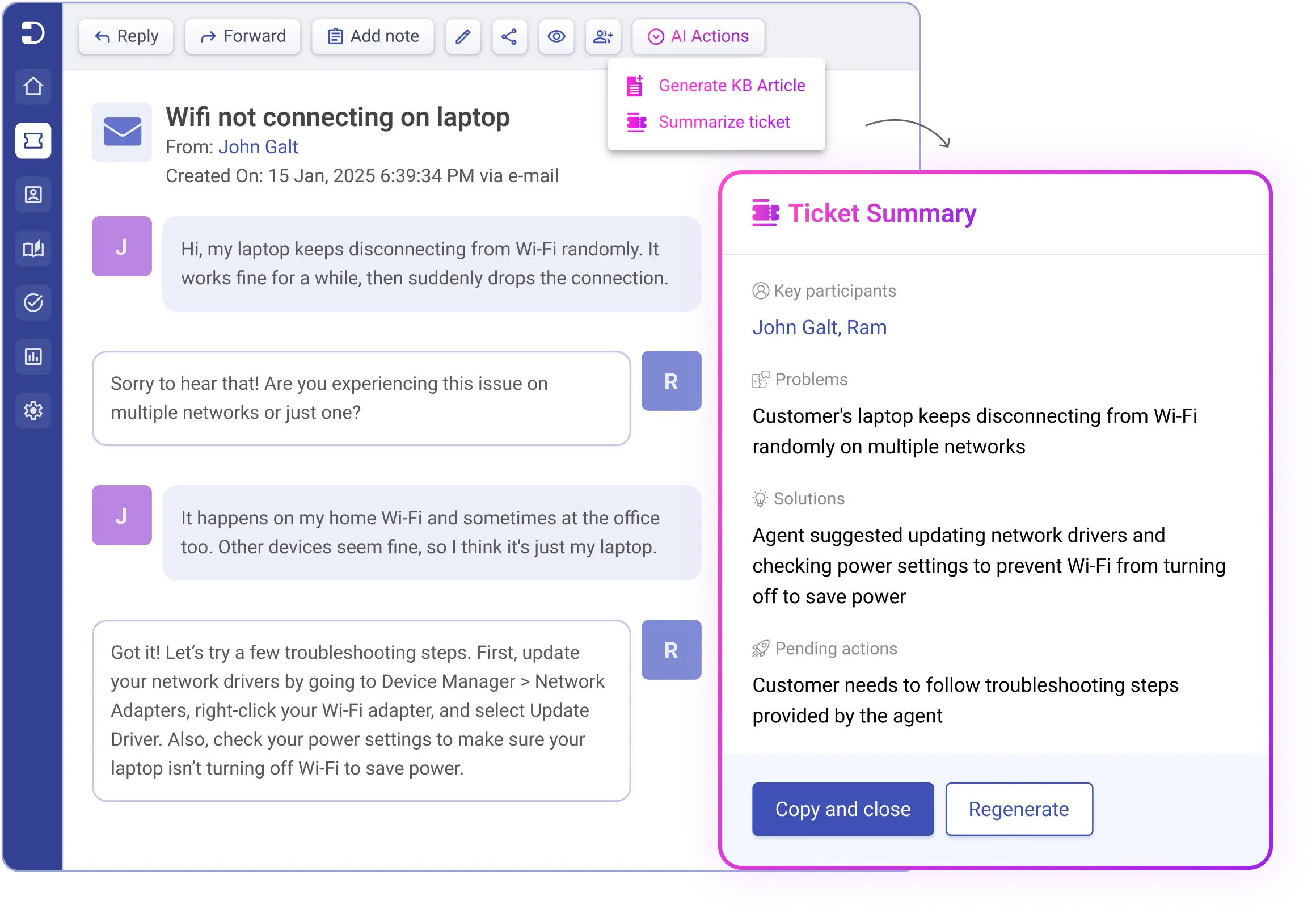
工单摘要
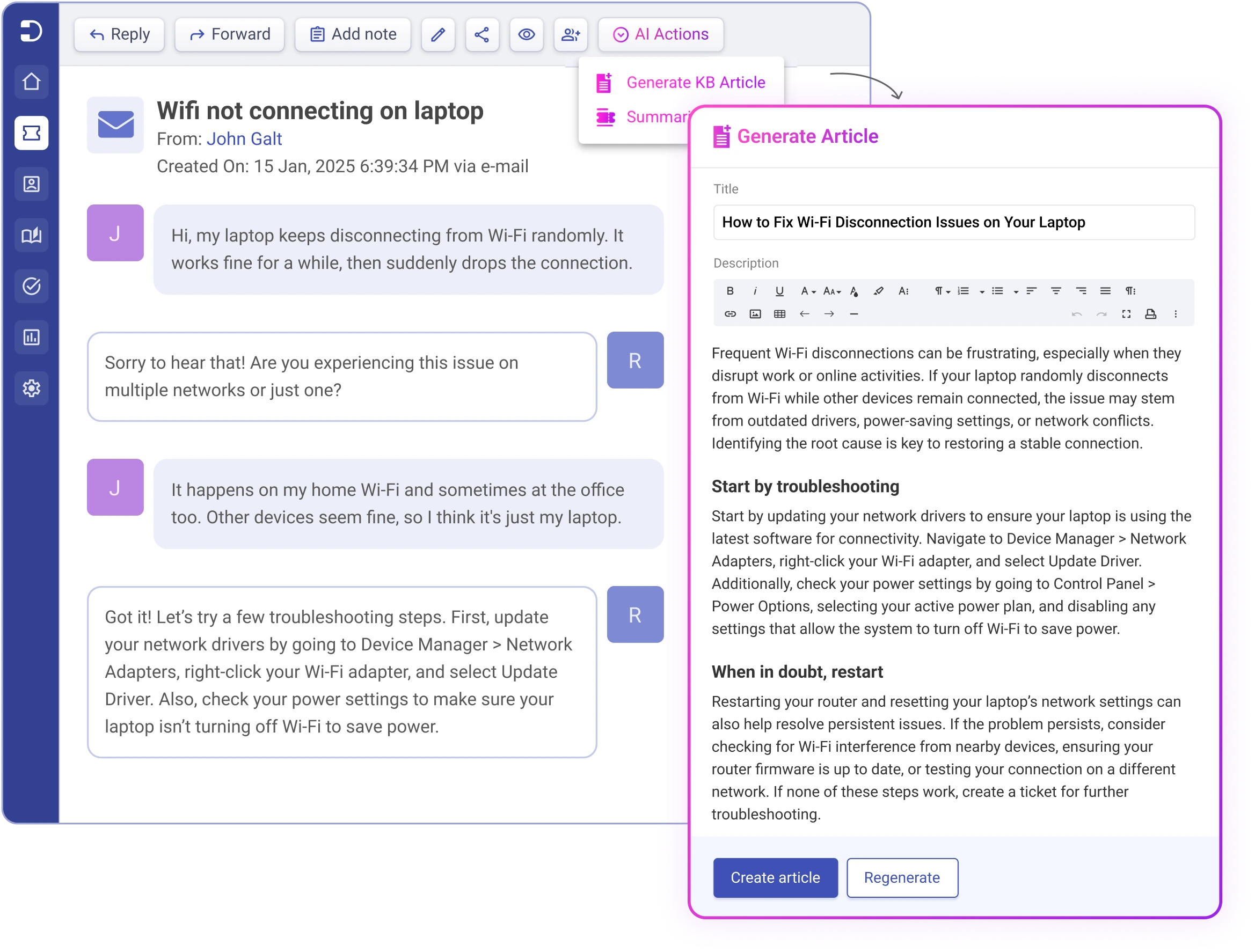
生成知识库文章
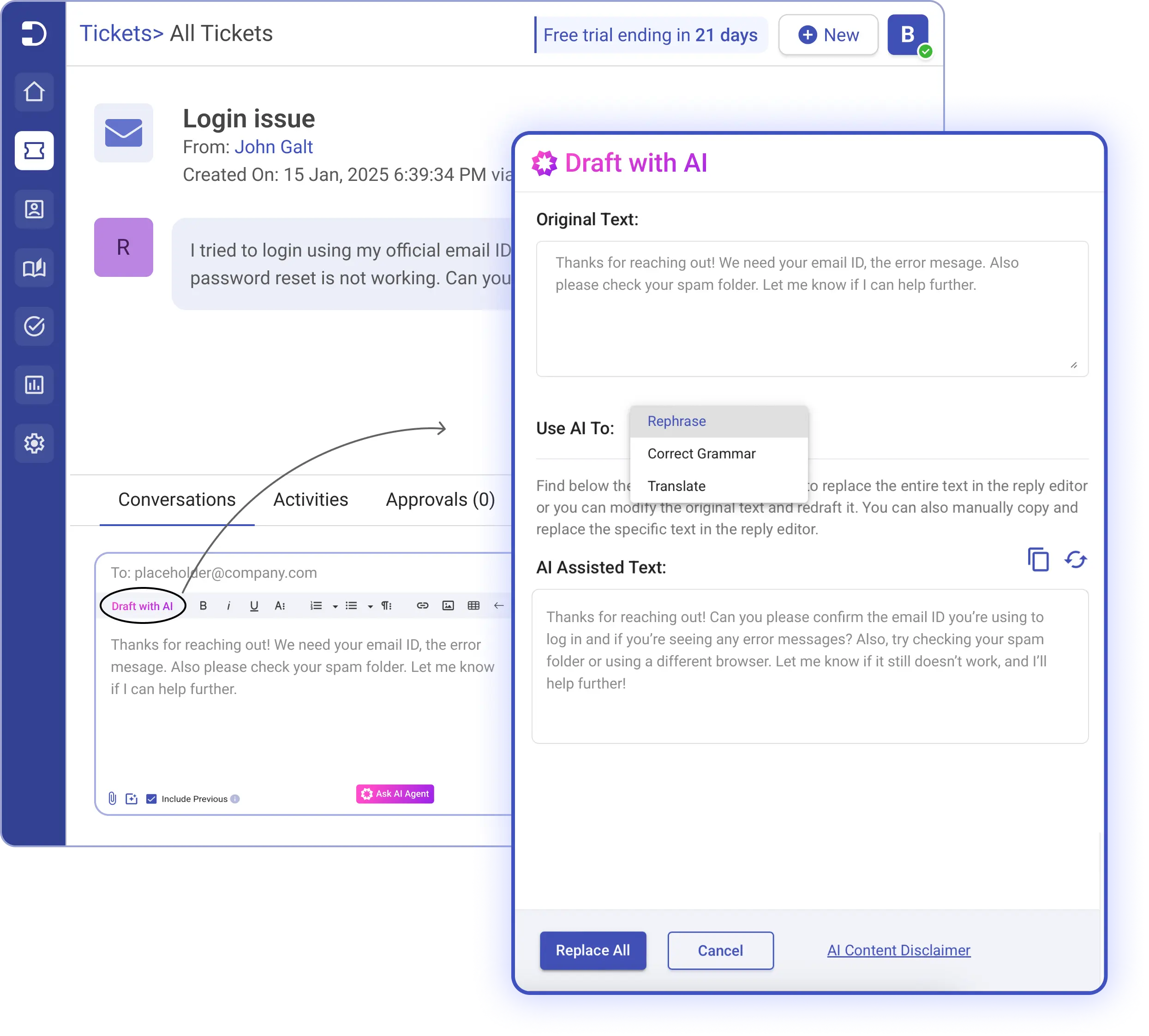
AI 辅助撰写
AI 智能体
基于您企业历史数据打造的专属 AI 智能体。Desk365 AI 智能体会从您自己的工单与知识库文章中学习,生成准确回复——帮助客服人员更快结单。
工单摘要
借助 AI 自动化,快速生成简短且准确的长篇工单讨论摘要。Desk365 会从客户互动中提取关键信息,将复杂对话浓缩成清晰、可执行的摘要。无需客服人员手动翻阅冗长对话,从而提升响应速度。
全新上线
全新上线
生成知识库文章
使用 AI 轻松将工单对话转换为详尽、结构化的知识库文章。Desk365 会智能提取客户互动中的关键信息,整理成清晰格式,并帮助扩充您的知识库。
借助 AI 驱动的内容生成,您可以:节省时间、利用客户问题构建更大的知识库,并最终提升自助服务体验。
全新上线
全新上线
AI 辅助撰写
自动起草针对客户问题的智能回复。支持翻译成 15 种不同语言、进行语法检查,并提升您的服务质量。
强大的工单平台。
Desk365 是一款强大且功能齐全的服务台平台,同时支持电子邮件、支持门户、网页表单和小组件等多种渠道。您将获得专属的支持邮箱,用户可通过发送邮件创建工单。
统一收件箱。
一个集中收件箱,汇聚所有支持请求。您的客服人员现在可以在一个易用、直观的界面中协作并管理来自所有渠道的请求。
服务级别协议 (SLAs).
系统会持续监控服务级别协议(SLA),在到期前向您定期发送提醒,并在发生违规时(以及发生的具体时间)进行通知。
知识库。
使用知识库轻松创建并分享解决方案文章。与其他客服人员共享文章、进行审核,然后发布。将选定的文件夹设为公开,客户即可在支持门户中查看。
自定义。
从支持门户到自定义角色/字段/表单等,全方位自定义您的服务台,让它以您期望的方式呈现与运行。
无缝融入您现有的技术栈
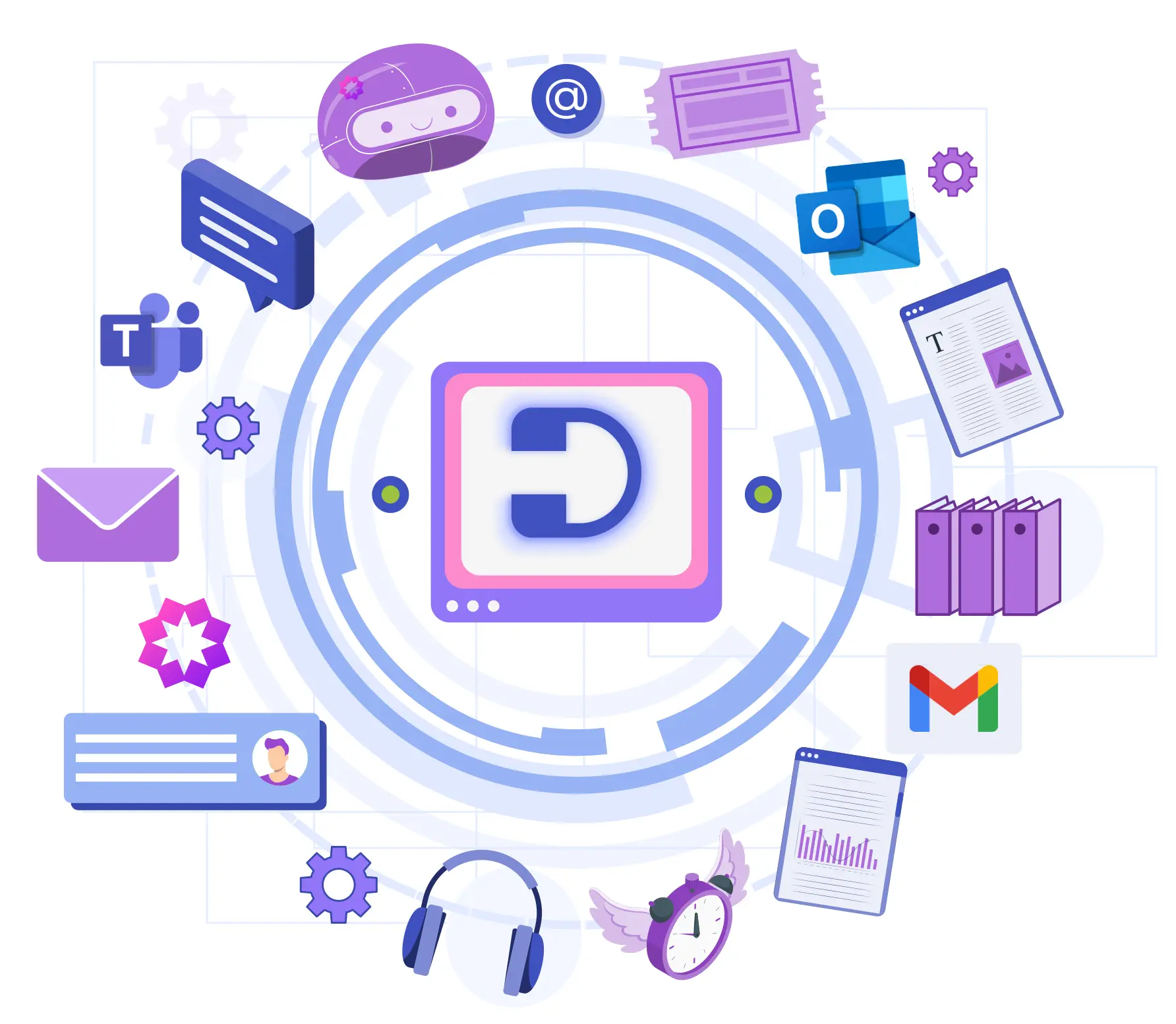
Desk365 可与 Microsoft Teams 或您已在使用的任何工具无缝集成。这是一款功能强大的服务台,能够增强协作并精简您现有的工作流程。
Microsoft 365 集成
从 Microsoft Entra ID 单点登录到 Copilot 插件,Desk365 都能完美融入您的 Microsoft 生态系统。通过 Desk365 的 Power Automate 连接器,您可以使用 Microsoft Power Automate 与其他 Microsoft 及第三方应用进行集成。
API 与 Webhook
通过我们的 Power Automate 连接器,可与 Asana、Azure DevOps、Jira、Power BI 等实现无缝集成。
申请插件
Desk365 由客户需求驱动并为客户而建。发现缺少的集成?给我们的团队留言,我们会为您打造所需的集成。
无需信用卡。
功能丰富、经久耐用的服务台软件
优秀的产品经得起时间的考验。我们的目标是打造一款面向长期的服务台。随着您的业务增长,我们会优先开发并交付您所需要的功能,与您一同成长。
获取即时工单通知
通过 Teams 和电子邮件同时接收重要工单提醒,不错过任何关键请求。每次工单操作都会通过 Microsoft Teams 推送通知即时提醒客服人员。轻松监控工单进展,并可直接在 Teams 内更新终端用户与客服人员。
轮询分配(Round Robin)
使用轮询工单分配,轻松管理支持请求。系统会在客服人员之间自动分配工单,确保工作量均衡,并及时响应。
自动化
配置在工单创建和更新时触发的自动化宏。可根据工单/客户/时间等属性与事件进行上下文设置,减少重复性工作。
从 Microsoft Teams 创建工单
根据工单字段、客户属性、关键词、事件等触发工作流程。将私信、公开群组消息或 Teams 频道中的任何消息转换为可跟踪的 Microsoft Teams 工单。
移动端自适应
让终端用户和客服人员可通过移动设备轻松访问 Desk365。随时随地回复工单、查看报表并管理支持门户。
多部门访问管理
将部门配置为分组,并在全局级、部门级或仅限客服人员级别分配访问权限。支持配置多个邮件服务器,便于您维护基于角色的访问控制。
别只听我们的一面之词,看看客户为何选择我们!
听听真实用户的声音,感受他们亲身体验到的不同。
"Desk365 has got all the right ingredients that a Helpdesk solution needs under its belt."
Desk365 has got all the right ingredients that a Helpdesk solution needs under its belt. We use them to manage support for our inhouse & partner product portfolios, custom developments and change management requests. They are constantly innovating and bringing great features at a rapid pace. Apart from the great product itself, they have a fantastic customer support team that is always there to support you and get the features that you want to be implemented in the Helpdesk .
Jugal Piplani
Technical Solutions Manager, Gapcloud
"Highly Recommend."
Desk365 has absolutely improved our ability to process internal/external requests. I needed a software solution that could be easily implemented for a reasonable price point and Desk365 delivered. I have been very impressed with the responsiveness of the Desk365 team and their assistance in configuring the software to fit our needs. Highly Recommend.
Jessica Harrison
Sr. Associate, Christopher Consultants, Ltd.
"They really make you feel they are part of your team."
Desk365 does what you expect from a much more expensive ticket system. The best thing however is the customer support. All questions about the software are answer quickly and completely and suggestions for improvement are treated seriously. They really make you feel they are part of your team.
Jeroen H
Scientist Sensortechnologies
Industry
Biotechnology
"A very good system all round."
After testing many other helpdesk solutions, we have been utilizing Desk365 for 10 months and have been hugely impressed with its ease of use, speed and simplicity. Everything we need to provide excellent customer support via email (our primary support channel) is available in one place, updates on new features are regular and concise and any requests for new features are reviewed and implemented quickly. A very good system all round.
Andy Roberts
Network & Communications Support Specialist, CSG
"Truly an outstanding product with a knowledgeable, prompt and courteous staff."
We heavily utilize Teams and other Microsoft 365 products and with Desk365’s easy and tight integration with Office 365, it was a natural fit. Our adoption was seamless and we now have a much (much) higher use of the ticket system by end users—instead of the office visit ticket or phone call. With the ability for users to make a ticket in Teams, email or the portal at a click of a button—users naturally gravitate to actual ticket creation. Truly an outstanding product with a knowledgeable, prompt and courteous staff.
Ryan Geiler
IT Director, Community Medical Center
"The Helpdesk system everyone should know about"
Performance, Support, Easy-to-use. The Performance is incredible – one of the fastest Helpdesk systems I have ever worked with. The Support is just amazing. Any inquiries will be answered quickly and professionally. Easy-to-use: almost no one, from our ~100 employees, needed any training. It’s self-explanatory.
Mirko B
System & Network Administrator
Industry
Oil and energy
"Desk365 has plenty of features which we love to use."
“Desk365 has plenty of features which we love to use. With other tools, we tried, there was always a learning curve. Not with Desk365, simple and fast. The email ticketing module is very intuitive to set up and use. The integration with Microsoft Teams was a big selling point to us. We can work on Tickets within MS Teams, even the customers Tenant can be integrated. Very fast way to communicate with the customers. The standard SLA and the option to set different, special SLAs to some customers make it easy to keep up with all the tickets.”
Jan Schwärzel
CTO, ComSet AG
"Teams integration is fantastic!"
Teams integration is fantastic and has improved user interaction by at least 500%. Tech team is notified in Teams when tickets come in. Users see tech questions and comments in their teams. Automation features are great. Knowledgebase is more than adequate and search functions work well.
Lonny L
IT Manager
Industry
Farming
为什么选择 Desk365?
选择 Desk365 的客户都能感受到不同。Desk365 由客户需求驱动并为客户而建——每一项功能、每一个细节都精心打磨,只为让用户的工作更轻松。
几分钟即可完成设置
几乎可以立刻完成迁移、上手与启用您的新服务台。
超出预期的支持服务
有问题?需要帮助?Desk365 坚持提供真人支持,并专注于真正解决问题。
易于使用
直观易用的软件,团队可以快速上手。为客服人员与客户都带来顺畅体验。
最高投资回报与产品价值
从第 1 天起降低成本并提升客服效率,助力业务持续增长。
无需信用卡。
安全、保障与合规
- 在 Desk365,确保您的数据安全是我们的首要任务。我们遵循严格的安全政策与控制措施,满足领先的行业标准。
- 为满足客户需求,我们在美国和欧盟均设有数据中心,并特别为欧盟客户提供基于欧盟的数据中心选项。
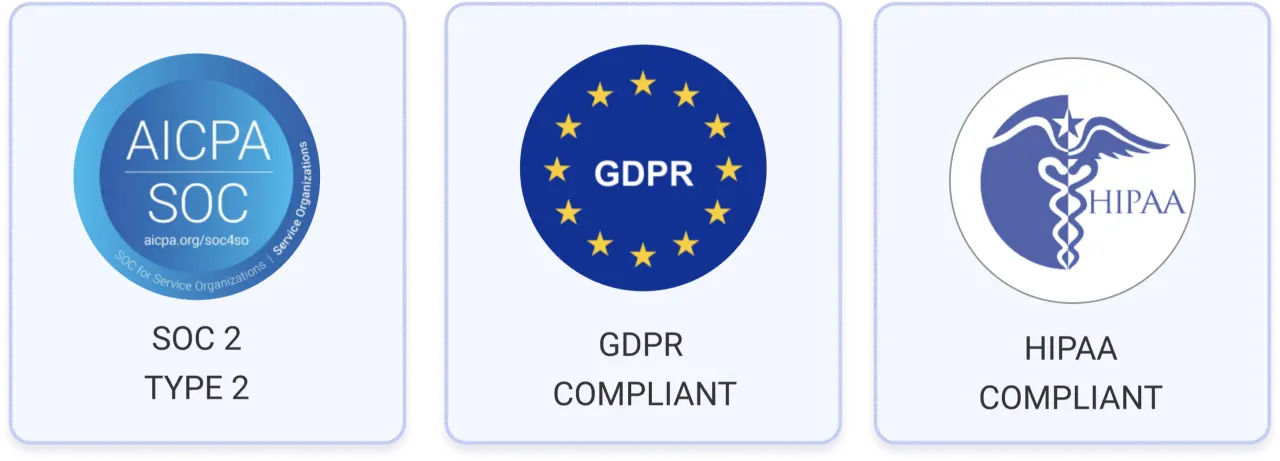
- 我们已通过 SOC 2 Type 2 认证,并符合 GDPR 要求。