
If you’ve ever observed Formula 1, you’ll know that every successful race begins long before the lights go out. Not each split-second decision in a race is made in the heat of the moment. They’re built on months of preparation, race strategies, engineering notes, historical data and lessons learned from previous laps.
Building a successful knowledge base follows the same philosophy. It isn’t just a collection of help articles; it’s the playbook that helps customers find answers faster, enabling support teams to resolve issues consistently.
The real challenge lies in creating a knowledge base that people actually use. Across industries, 81% of customers attempt to resolve issues on their own before reaching out to a live representative, making a knowledge base one of the most valuable self-service resources. But even the most comprehensive knowledge base delivers little value if users can’t find the right information at the right moment.
Here are five lessons every organization should know in building a knowledge base that your users can genuinely rely on.
Lesson 1: Build consistency into every knowledge article
Whether it’s Monaco or Monza, Formula 1 teams execute the same core processes with remarkable consistency. A shared playbook keeps engineers, mechanics and drivers aligned.
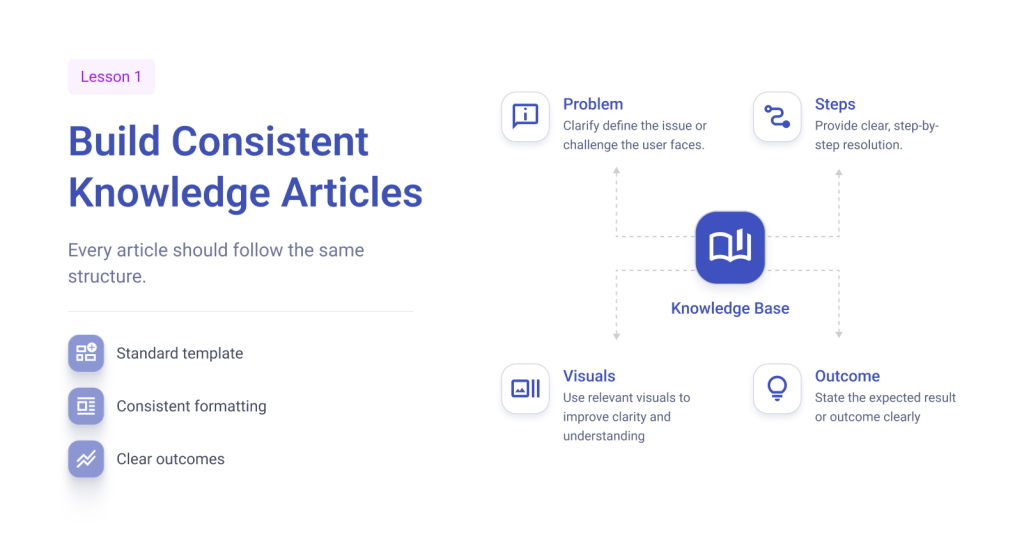
Your knowledge base deserves the same level of consistency. Every article should follow a standardized structure, making it easier for users to find information and contributors to create and maintain content. Whether it’s a help center article, troubleshooting guide, how-to article, or FAQ, readers should know exactly what to expect.
Start by defining the problem, outline the resolution steps and conclude with the expected outcome. Pair this with consistent writing styles, formatting, visuals and simple editorial workflows. So every article looks, reads and feels like part of the same knowledge base, not a collection of content written by different authors.
When every article follows the same playbook, users spend less time understanding the documentation and more time resolving their issues.
Lesson 2: Search is more important than storage
A Formula 1 pit wall is filled with dashboards, race strategies and live telemetry. None of it creates an advantage unless the team can quickly navigate to the right insight at the right moment.
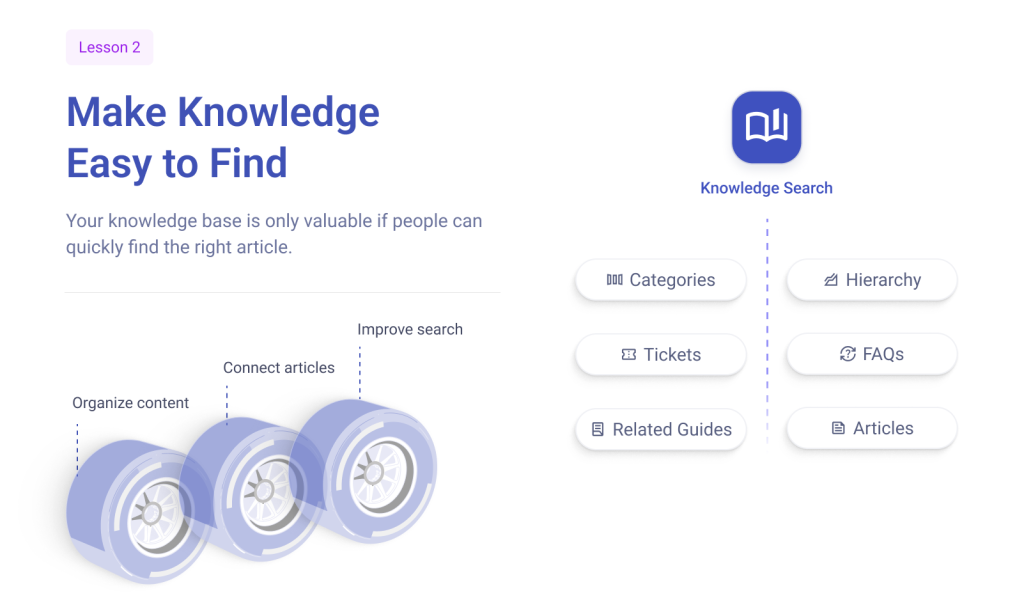
The same holds for your knowledge base. Its value lies not in how many articles it contains, but in how quickly users can find the right one. Even the best knowledge articles lose their impact if they’re buried under poor navigation or disconnected content.
Organize your knowledge base on intuitive categories, clear article hierarchies and search-friendly titles. Link related articles, cross-reference prerequisite guides and surface relevant content to help users navigate properly instead of starting a new search with every question. This creates a connected knowledge experience where customers can resolve issues through self-service, while agents can quickly find, reference and share trusted articles within ticket conversations to deliver faster, more consistent resolutions.
A successful knowledge base isn’t built on more content; it’s built on better discoverability.
Lesson 3: Turn every ticket into knowledge
No Formula 1 team starts every race from scratch. Each successful setup, pit stop strategy and engineering solution is documented so it can be reused at the next Grand Prix.
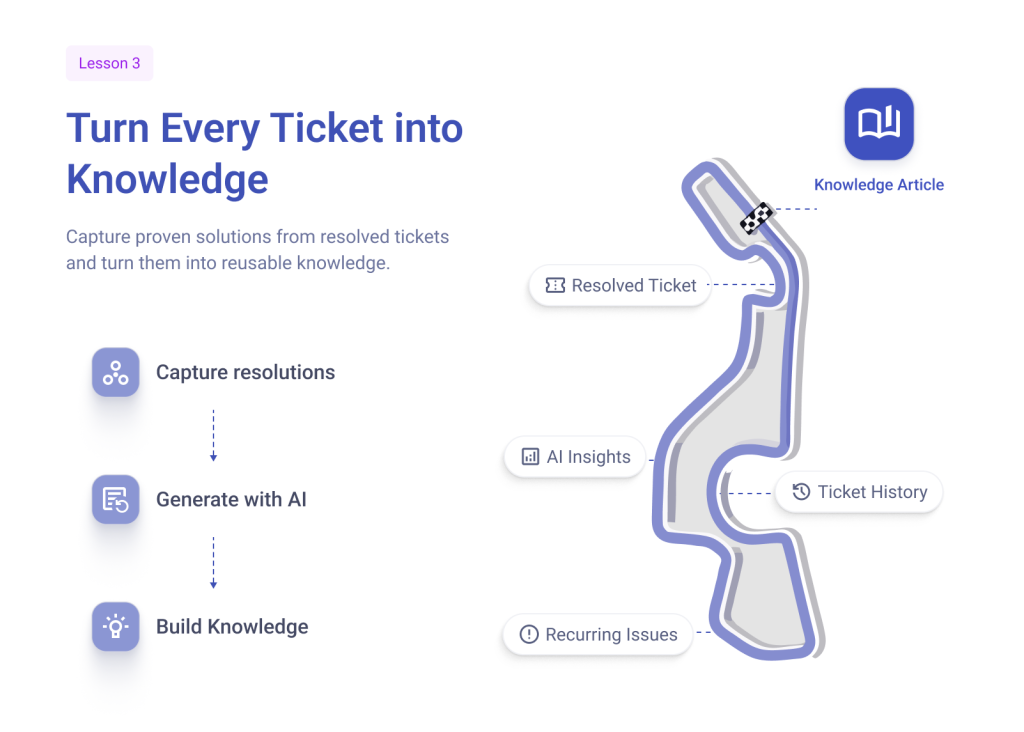
The same approach should apply to your knowledge base as well. Every resolved ticket contains valuable troubleshooting steps, known fixes and proven resolutions. Instead of burying them under ticket conversations, convert into searchable knowledge articles that customers can discover through self-service and agents can reuse across similar requests.
Don’t guess what belongs to your knowledge base; let your ticket history tell the story. Analyze recurring incidents, high-volume request categories, onboarding questions and frequently searched topics to identify content with the highest self-service value. Writing articles around real support interactions ensures your knowledge base stays relevant, improves ticket deflection and delivers consistent resolutions across every support channel.
Solutions like Desk365 AI Copilot further simplify this process by transforming resolved tickets into structured knowledge articles, generating concise ticket summaries, and helping agents draft intelligent responses in seconds. Instead of creating documentation from scratch, support teams can capture valuable knowledge as part of their everyday ticket resolution workflow.

The result isn’t just a larger knowledge base, but a single source of truth that scales with your support operations.
Lesson 4: Keep your knowledge base up to date
No Formula 1 car finishes the season with the same setup it started with. Teams continuously fine tune every component to stay competitive.
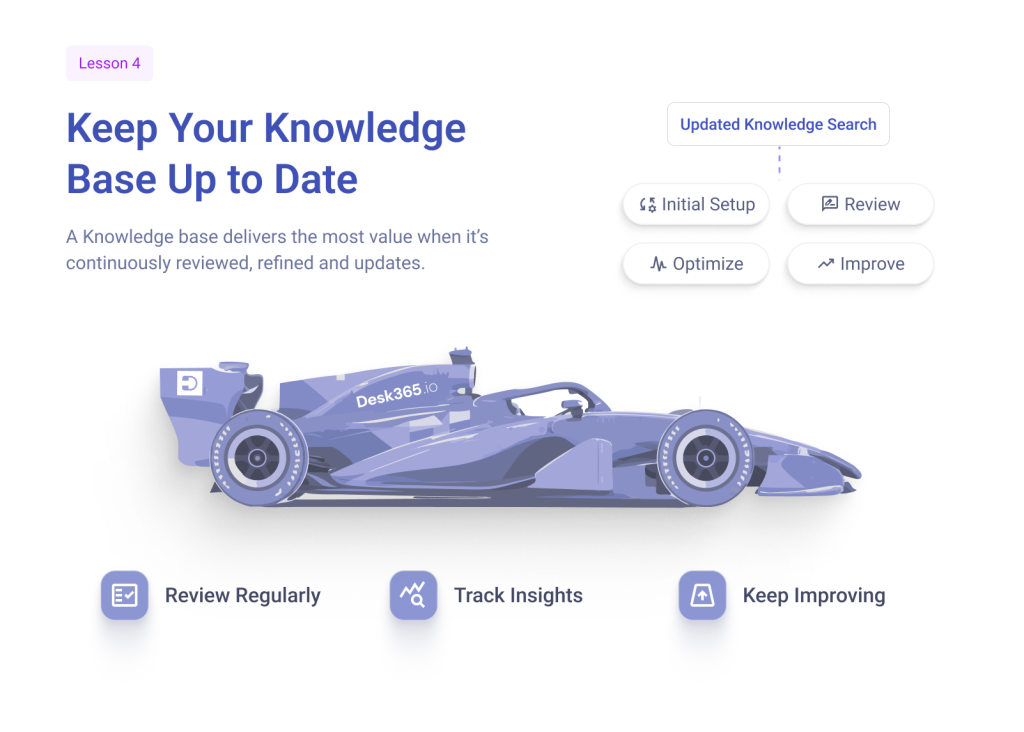
A knowledge base should evolve the same way. Products change, workflows improve and new issues emerge every day. If articles aren’t reviewed and updated regularly, outdated information can quickly become a source of confusion instead of a source of truth.
Review your knowledge articles periodically, update them based on recurring ticket trends and product changes and retire content that’s no longer relevant. Tracking article usage, search terms and customer feedback also helps identify gaps and prioritize improvements.
A knowledge base isn’t a one-time project, it’s a living resource that becomes more valuable with every update.
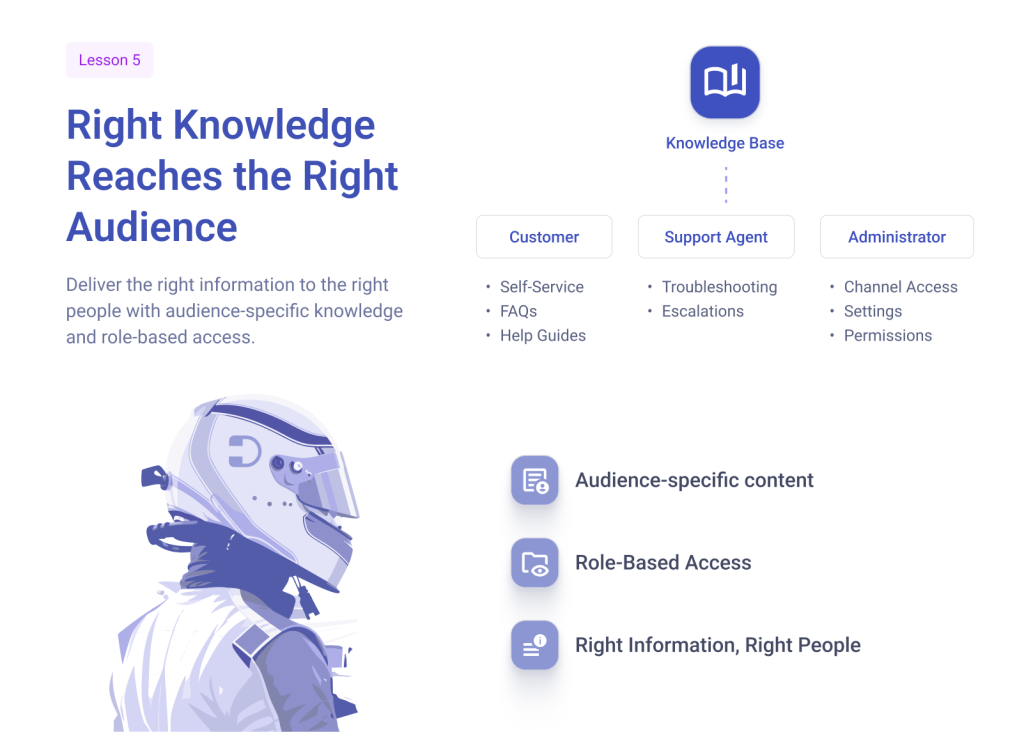
Lesson 5: Right knowledge reaches the right audience
Behind every Formula 1 race is a constant flow of information, but not everyone sees the same dashboard. Drivers, engineers and mechanics each rely on information tailored to their responsibilities.
Likewise, a knowledge base delivers value only when the right information reaches the right audience. Customers need concise self-service articles to resolve common issues independently, while support agents rely on detailed troubleshooting guides, escalation procedures, known errors and internal runbooks to investigate and resolve complex tickets.
Organize your knowledge base with role-based access controls, audience-specific categories, article visibility settings and a clear content hierarchy.
With role-based access controls, you can also restrict who manages support channels and configure channel availability based on your organization’s support strategy, ensuring users only interact with the channels intended for them.
A great knowledge base isn’t measured by how much it stores, but by how easily the right people can find the information they need.
The ROI of a well-built knowledge b ase
A well-built knowledge base does more than enable self-service; it improves the efficiency of your entire support operation. Every successful self-service interaction reduces repetitive tickets, allowing agents to focus on complex issues while improving response times and resolution consistency.
It also accelerates agent onboarding, preserves organizational knowledge, and provides valuable insights through article usage, search analytics and ticket trends. These insights help identify knowledge gaps, refine reporting and continuously improve the support experience.
Ultimately, the ROI of a knowledge base isn’t measured by the number of articles it contains, it’s reflected in fewer repetitive tickets, faster resolutions, lower support costs and a better customer experience.